

The features that actually saved AlterIMG (and why I cut the rest)
Feature creep is a project killer. When I started building the “Organize” module for AlterIMG, my notebook was full of “cool” ideas: OCR, digital signatures, AI summarization. I had to stop myself. A tool that does ten things poorly is useless compared to a tool that does one thing perfectly.
I focused on the most painful part of PDF management: reordering and merging pages. If you’ve ever used a tool where you have to wait for a 50MB file to upload before you can even *see* the thumbnails, you know the frustration. I wanted instant feedback.
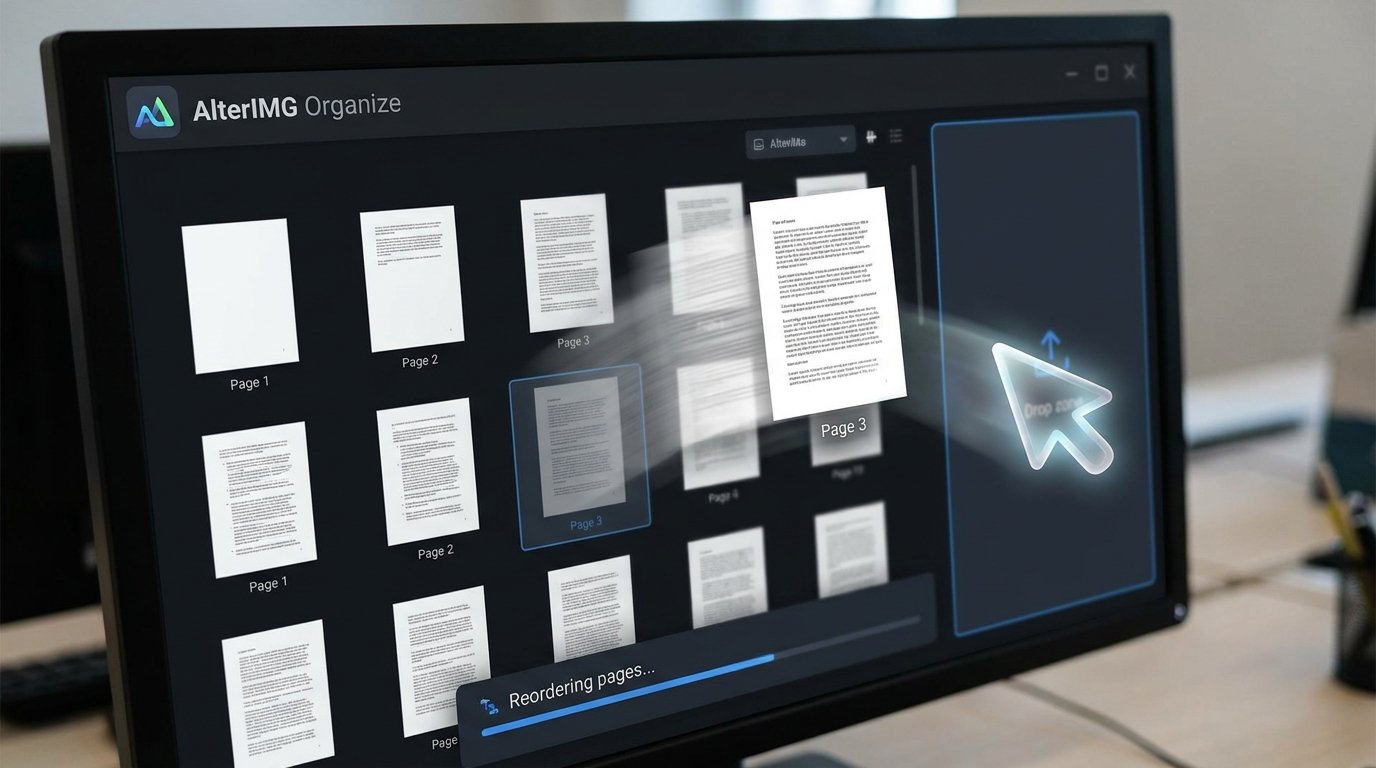
I built a custom PDFPreview.tsx component using React. It uses a “lazy-loading” strategy for thumbnails. Instead of rendering every page at once, it only renders what’s in the viewport. I used framer-motion for the drag-and-drop interactions because standard HTML5 drag-and-drop is, frankly, a nightmare to style and make responsive.
The “Organize” tool allows users to:
* Drag and drop pages to reorder them in real-time.
* Merge multiple PDFs into a single, optimized file.
* Delete individual pages without re-encoding the entire document.
I encountered a massive bug early on where the page indices would get scrambled during a merge. I’d end up with Page 1, Page 3, then Page 2. It was a classic off-by-one error hidden inside an asynchronous loop. Fixing it required me to rewrite the entire state management for the “Organize” screen using a strictly ordered queue.
I also integrated Hindi and Bengali localization. This wasn’t just about translating strings. It was about ensuring the UI didn’t break with different character widths. It’s these small details that separate professional software from a weekend project. I had to audit every single CSS rule to make sure the text didn’t overflow in languages with more complex scripts.
I remember the first time I showed the “Organize” tool to a friend. They were amazed at how fast it was. “It feels like a desktop app,” they said. That was the highest compliment I could receive. It meant the hours I spent optimizing the canvas rendering and the state transitions were paying off.
One of the biggest challenges was the “Export” feature. Generating a new PDF from a list of reordered pages is computationally expensive. I had to move that logic to a background worker to prevent the UI from freezing. I used a polling mechanism to let the user know when their file was ready.
I also spent a lot of time on the “Undo” and “Redo” functionality. When you’re reordering fifty pages, it’s easy to make a mistake. I implemented a robust command pattern that tracks every change, allowing users to move forward and backward through their edits with total confidence.
I kept the UI clean—minimalist Vanilla CSS with a focus on dark mode aesthetics. No distracting ads, no “sign up for a newsletter” popups. Just the tool and your files. By cutting the fluff, I made the core features shine. The result is a tool that feels premium, even though it’s essentially a web app.
I also made sure the tool was accessible. I spent a full week testing the “Organize” screen with a screen reader. It’s often overlooked in these kinds of projects, but I believe that everyone should be able to manage their documents, regardless of their visual ability.
Finally, I added a “Snapshot” feature. Every time you make a major change, AlterIMG saves a temporary version of your document in the background. If your browser crashes or you accidentally close the tab, you can pick up exactly where you left off. It’s these little safety nets that build trust with users.