

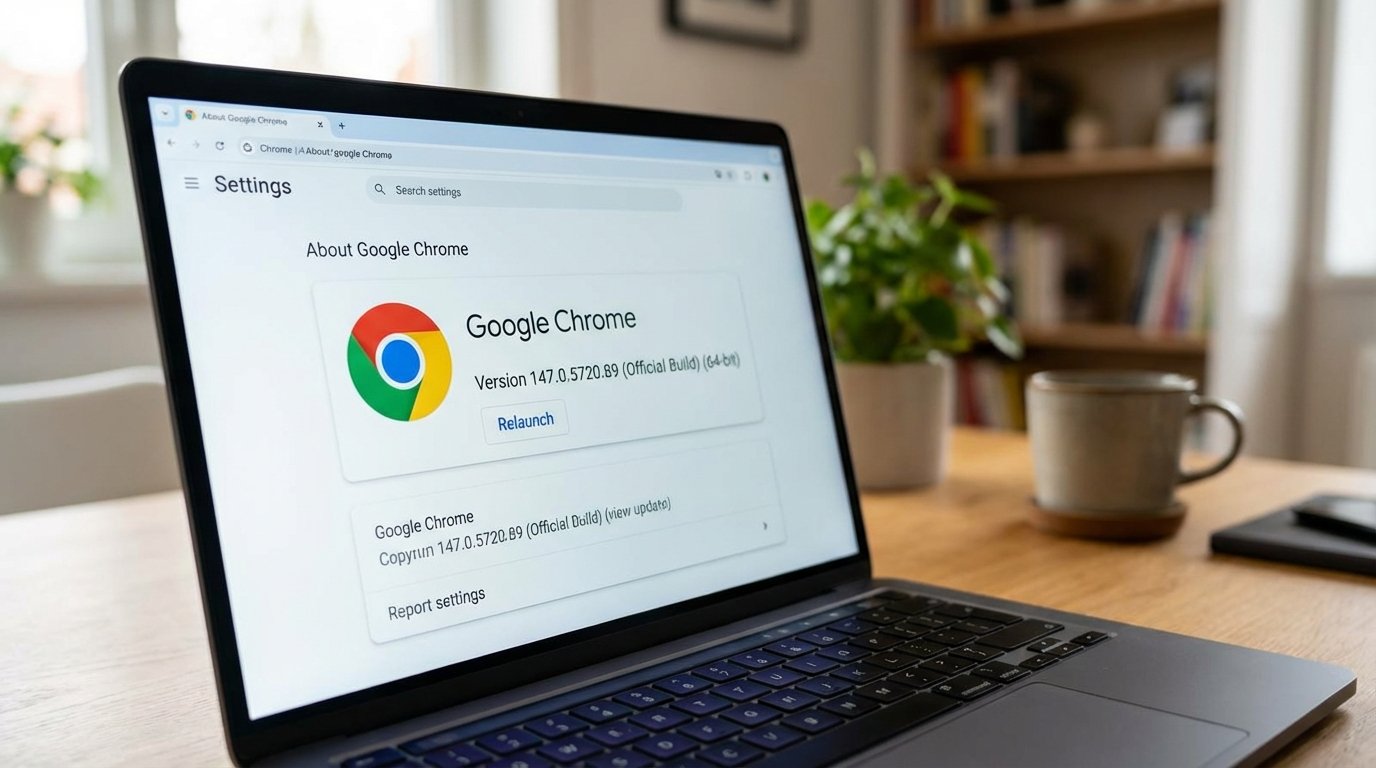
If you’re a power user who constantly checks for browser updates, you might have noticed something interesting this week. Google has quietly started rolling out Chrome 147 to a select group of Windows and Mac users. It’s not a full-scale launch just yet, but rather an “Early Stable” release—a strategy Google uses to make sure everything is running smoothly before the rest of the world hits that update button.
In this post, we’re going to break down what’s happening with this early release, what new features you can expect (based on the Beta notes), and why Google is changing the way they push updates to our computers in 2026.
The Surprise Rollout: What is “Early Stable”?
On March 25, 2026, the Chrome team announced that version 147.0.7727.24/.25 is officially heading to the Stable channel. However, if you check your browser right now and don’t see an update, don’t panic. You aren’t “missing out.”
Google uses a “staged rollout” process. Think of it like a soft opening for a new restaurant. Instead of inviting the whole city on night one, they invite a few hundred people to make sure the kitchen can handle the orders. For Chrome, this means pushing the update to about 5% of users. If those users start experiencing crashes or major bugs, Google can “pull the plug” on the update, fix the issue, and save the other 95% of us from a broken browser.
What’s Under the Hood of Chrome 147?
While the official release notes for this early push are a bit thin on details, we can look back at the Chrome 147 Beta that launched earlier this month to see what’s coming. Since the Stable version is built on the Beta code, most of these features are likely included.
1. Better Web Design with CSS Border-Shape
For the developers and designers out there, this is a big one. Chrome 147 is introducing border-shape. This allows websites to create non-rectangular borders (like polygons or circles) much more easily. It’s a small technical change that will eventually lead to much more creative and beautiful websites for everyone.
2. Accessibility Boost: contrast-color()
Google is doubling down on making the web readable for everyone. The new contrast-color() function helps developers automatically pick the best text color (black or white) based on the background. This ensures that websites remain high-contrast and easy to read, which is a huge win for accessibility.
3. Smoother Transitions
Ever notice how some websites feel “choppy” when you click between pages? Chrome 147 includes “Element-scoped view transitions.” In plain English, this makes animations between different parts of a website feel fluid and app-like, rather than a clunky page refresh.
The 2026 Release Cycle: Why So Fast?
One thing you might have noticed is that Chrome updates seem to be coming faster than ever. Back in the day, we’d wait months for a new version number. Now, it feels like every few weeks there’s a new “milestone.”
Starting in 2026, Google has moved toward a more aggressive release schedule. By shortening the “patch gap”—the time between discovering a security flaw and fixing it—they keep our data much safer. This “Early Stable” push is a key part of that. It allows Google to be fast and safe at the same time. While Android and iOS versions of Chrome 147 are already moving through their respective stores, the desktop version remains the flagship where stability is the highest priority.
How to Check if You Have the Update
If you’re curious to see if you’re part of the “lucky 5%” who got the early build, here is the quickest way to check:
- Open Google Chrome on your Mac or PC.
- Click the three vertical dots in the top-right corner.
- Hover over Help and select About Google Chrome.
- The browser will automatically check for updates. If you see version 147.0.7727.24, you’re officially on the new build!
If it says “Chrome is up to date” but you’re still on version 146, just sit tight. The wider rollout usually happens within a week of the early stable push.
Is It Safe to Update Early?
A lot of people worry that being an “early adopter” means dealing with bugs. With Chrome, the risk is very low. Even though this is an “early” release, it has already spent weeks being tested in the Beta and Dev channels. By the time it reaches “Stable,” it’s generally rock-solid.
Plus, these updates often include critical security patches. In 2026, with cyber threats becoming more sophisticated, keeping your browser updated is the single best thing you can do to protect your passwords and personal info.
Source: Link